
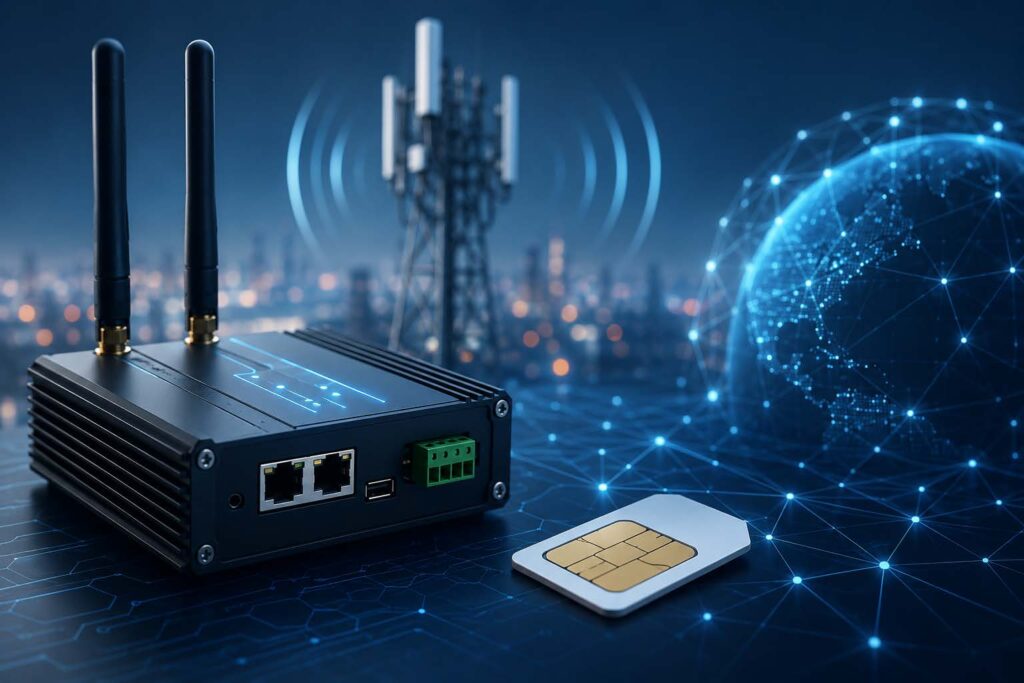
When an IoT device suddenly goes offline, stops transmitting data, or connects with painfully slow speeds, the culprit is often something surprisingly small: the APN setting.
The Access Point Name (APN) acts like a digital gateway between your IoT SIM card and the cellular network. If the APN is incorrect, incomplete, or outdated, your device may connect to the tower but fail to reach the internet or your private network. It is the telecom equivalent of having the right street address but the wrong apartment number.
For businesses deploying connected devices like GPS trackers, industrial routers, EV chargers, smart sensors, payment terminals, or remote cameras, a wrong APN can quickly snowball into downtime, lost visibility, and support headaches.
Common Symptoms of an Incorrect APN
A bad APN configuration does not always produce obvious error messages. In many cases, the device appears “connected” while silently failing in the background.
Common signs include:
- Device shows cellular signal but no data traffic
- IoT dashboard reports device offline
- SIM card registers on the network but cannot ping servers
- Device repeatedly reconnects or cycles through networks
- VPN or private network access fails
- SMS works, but data sessions do not establish
These symptoms are especially common during large-scale deployments where devices are preconfigured manually or copied from older templates.
Why APN Problems Happen
IoT deployments often involve multiple carriers, countries, firmware versions, and hardware manufacturers. That creates plenty of opportunities for APN drift.
Typical causes include:
1. Typographical Errors
Even a single misplaced character can prevent authentication.
For example:
- Correct APN*:
osc - Incorrect APN:
ocs
One tiny swap, one giant outage.
2. Using Consumer APNs Instead of IoT APNs
Many routers and modems default to consumer cellular profiles designed for phones rather than IoT SIM cards.
An enterprise IoT SIM may require:
- A custom APN
- A private APN
- Static IP routing
- VPN-specific settings
Using the wrong profile can block traffic entirely.
3. Username and Password Conflicts
Some IoT providers require blank authentication fields, while others require credentials. Entering unnecessary login values can break connectivity.
4. Firmware Resets
Factory resets or firmware updates sometimes overwrite APN settings with generic defaults.
That creates the classic “it worked yesterday” scenario.
How to Troubleshoot a Wrong APN
Start with the basics before replacing hardware or escalating to carriers.
Verify the Correct APN
Check the exact APN configuration from your IoT provider documentation. Confirm:
- APN spelling
- Username/password requirements
- Authentication type
- IP version (IPv4 vs IPv6)
- Private APN or VPN requirements
For many IoT SIMs, the correct configuration may be extremely minimal.
Example:
- APN:
OSC - Username: blank
- Password: blank
Check Device Logs
Industrial routers and modems often provide connection logs showing:
- PDP context failures
- Authentication rejection
- DNS failures
- Network registration errors
These clues can pinpoint APN issues quickly.
Test the SIM in Another Device
Moving the SIM into a known-working device helps isolate whether the issue is:
- The SIM
- The APN
- The hardware itself
Confirm Roaming Support
Global IoT SIM cards may use different carrier partners across countries. Some networks require specific APN behavior while roaming internationally.
A device working in Germany may fail in Brazil if roaming settings are restricted.
Preventing Future APN Problems
The best IoT deployments reduce manual configuration whenever possible.
Smart prevention strategies include:
- Using deployment templates
- Locking device configurations
- Centralized SIM management portals
- Remote diagnostics tools
- Automated provisioning systems
- Monitoring failed session attempts
Modern IoT connectivity platforms can even alert administrators when devices repeatedly fail authentication or reconnect excessively.
In large deployments, preventing APN mistakes is not just about convenience. It is about uptime, operational visibility, and avoiding expensive truck rolls to physically inspect devices.
A wrong APN might seem tiny, but in IoT, tiny settings can cast very long shadows.
We would love to hear about your deployments and how we might be able to help streamline them. Contact our IoT experts here: https://iot.onesimcard.com/CustomQuote
*All references to the APN name are for OneSimCard IoT BITW SIM cards.