Introduction
In the rapidly evolving landscape of technology, the Internet of Things (IoT) has emerged as a transformative force, connecting countless devices to the internet, enabling data exchange, and revolutionizing various industries. Among the groundbreaking applications of IoT, the use of M2M SIM cards in GPS (Global Positioning System) technology stands out as a game-changer. You might only think of GPS applications as tracking vehicle, but there are so many more solutions using GPS. This fusion of connectivity and GPS has opened up new frontiers in tracking, navigation, and location-based services, offering unprecedented opportunities for businesses and consumers alike.
Understanding M2M SIM Cards
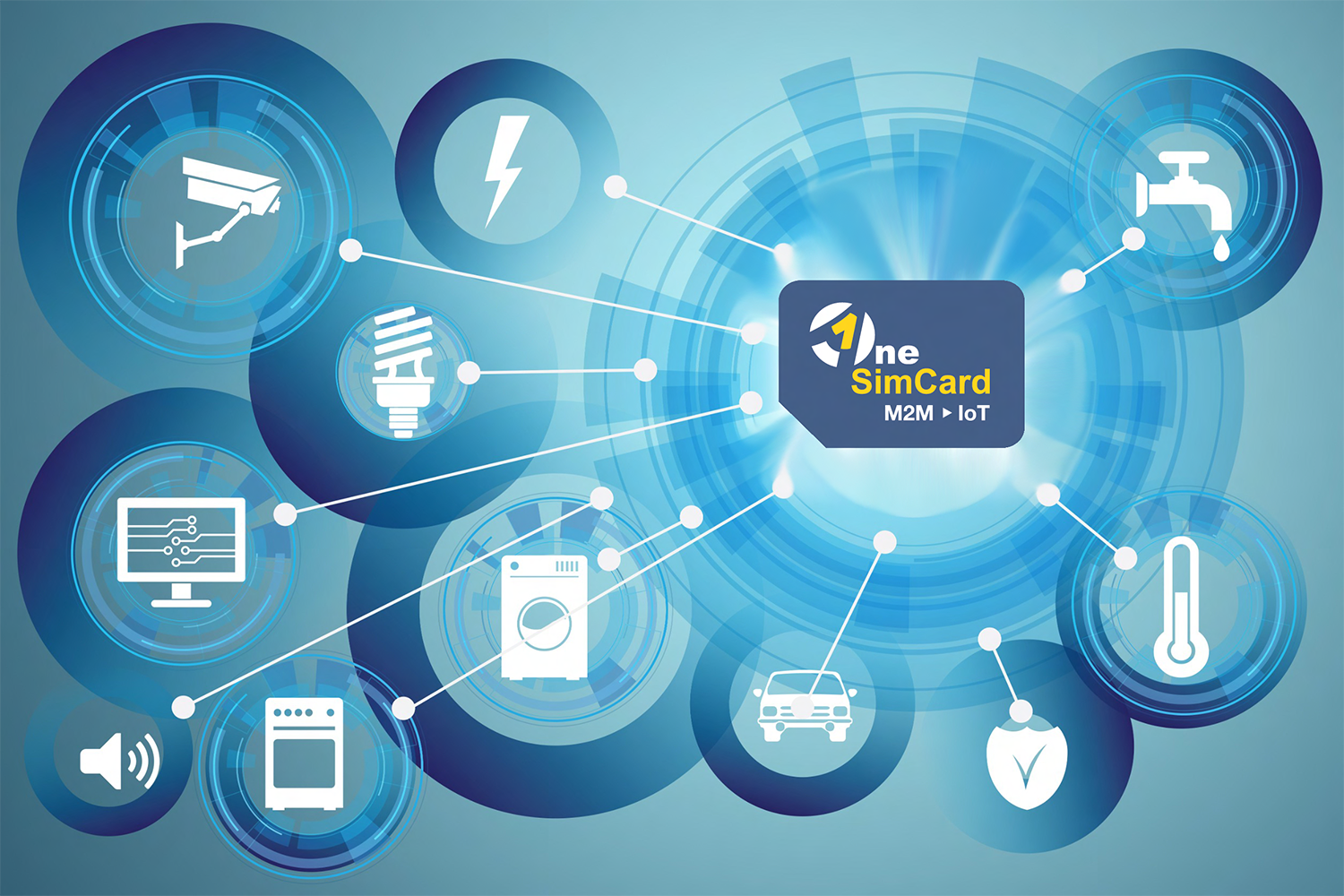
Traditional SIM cards have long been used in mobile phones to connect to cellular networks. However, M2M SIM cards (AKA IoT SIM cards) are specifically designed to cater to the unique requirements of connected devices that fall under the purview of the Internet of Things. These SIM cards offer features like lower power consumption, enhanced security, and the ability to manage data usage efficiently.
Seamless Connectivity for GPS Devices
GPS devices, whether they are in vehicles, wearable gadgets, asset trackers, or environmental sensors, need reliable and continuous connectivity to function effectively. M2M SIM cards provide seamless connectivity across multiple networks, ensuring uninterrupted GPS data transmission. By leveraging these M2M SIM cards, GPS applications can operate without limitations, even in remote or challenging environments.
Real-Time Tracking and Fleet Management
IoT-powered GPS devices enable real-time tracking of vehicles, assets, and personnel. Fleet management becomes more efficient and productive, as businesses can monitor their vehicles’ locations, routes, and driving behavior in real time. This data-driven approach enhances safety, optimizes routes, reduces fuel consumption, and increases overall operational efficiency.
Precision and Accuracy
The integration of SIM cards with GPS applications enhances location accuracy significantly. IoT SIM cards ensure that the GPS devices remain connected to the strongest available network, reducing potential disruptions and enhancing precision. For industries such as agriculture and logistics, where precise location data is critical, this level of accuracy proves to be invaluable.
Geo-Fencing and Location-Based Services
Geo-fencing, a popular feature in GPS applications, allows users to set virtual boundaries around a specific location. When a GPS-equipped device enters or exits these predefined areas, it triggers automated actions or notifications. IoT SIM cards facilitate instant communication between the device and the backend systems, ensuring quick response times and seamless execution of location-based services.
Cost-Effective Data Management
IoT SIM cards offer flexible data plans tailored to the unique data requirements of various GPS devices. This flexibility allows businesses to manage data consumption efficiently, reducing unnecessary costs. Whether it’s occasional location updates or continuous real-time tracking, SIM cards provide cost-effective solutions to suit diverse GPS applications.
Environmental Monitoring and Smart Cities
IoT-enabled GPS devices play a crucial role in environmental monitoring, allowing researchers and authorities to gather data on air quality, weather patterns, and other environmental factors. Additionally, in the context of smart cities, M2M SIM cards are instrumental in supporting connected infrastructure and optimizing urban services like traffic management and waste collection.
Enhanced Security and Anti-Theft Measures
IoT SIM cards offer robust security features, safeguarding the data transmitted between the GPS devices and the backend servers. In case of theft or unauthorized access, these SIM cards enable remote device lock-down or data wipeout, mitigating potential risks and ensuring the protection of sensitive information.
Emergency Response and Personal Safety
GPS applications utilizing IoT SIM cards have proven to be life-saving tools in emergency situations. From locating lost or injured hikers to enabling rapid response during disasters, IoT-powered GPS devices provide critical location information to emergency services, expediting rescue operations and improving personal safety.
Scalability and Future Potential
As the IoT ecosystem expands, the application of SIM cards in GPS technology will continue to evolve. With the growth of 5G networks and advancements in satellite technology, the scope for GPS applications will expand, leading to more sophisticated and innovative use cases in domains such as autonomous vehicles, precision agriculture, and augmented reality.
Conclusion
The integration of M2M SIM cards with GPS applications has ushered in a new era of connectivity, precision, and efficiency. GPS devices can now offer real-time tracking, enhanced security, and cost-effective data management. This is achieved using SIM Card connectivity. This seamless connectivity ensures that GPS applications can thrive in diverse environments. It unlocks a wealth of opportunities across industries, from fleet management and logistics to environmental monitoring and emergency response. As technology continues to advance, the synergy between cellular connectivity and GPS applications will undoubtedly lead to even more innovative solutions and transformative changes in the way we navigate and interact with the world around us.
If you would like to learn more about IoT SIM cards in GPS Applications, please reach out to us. You can request information by filling out our Contact Form. OneSimCard has been working with thousands of GPS application providers and we will be happy to share what we have learned in our over 27 years in Telecoms.
 Oh, fair audience, lend me your ears, for I shall speak of OneSimCard IoT and its wondrous IoT SIM card. In this age of technological marvels, where devices converge and speak in unison, OneSimCard IoT doth shine bright as a beacon of connectivity and enlightenment.